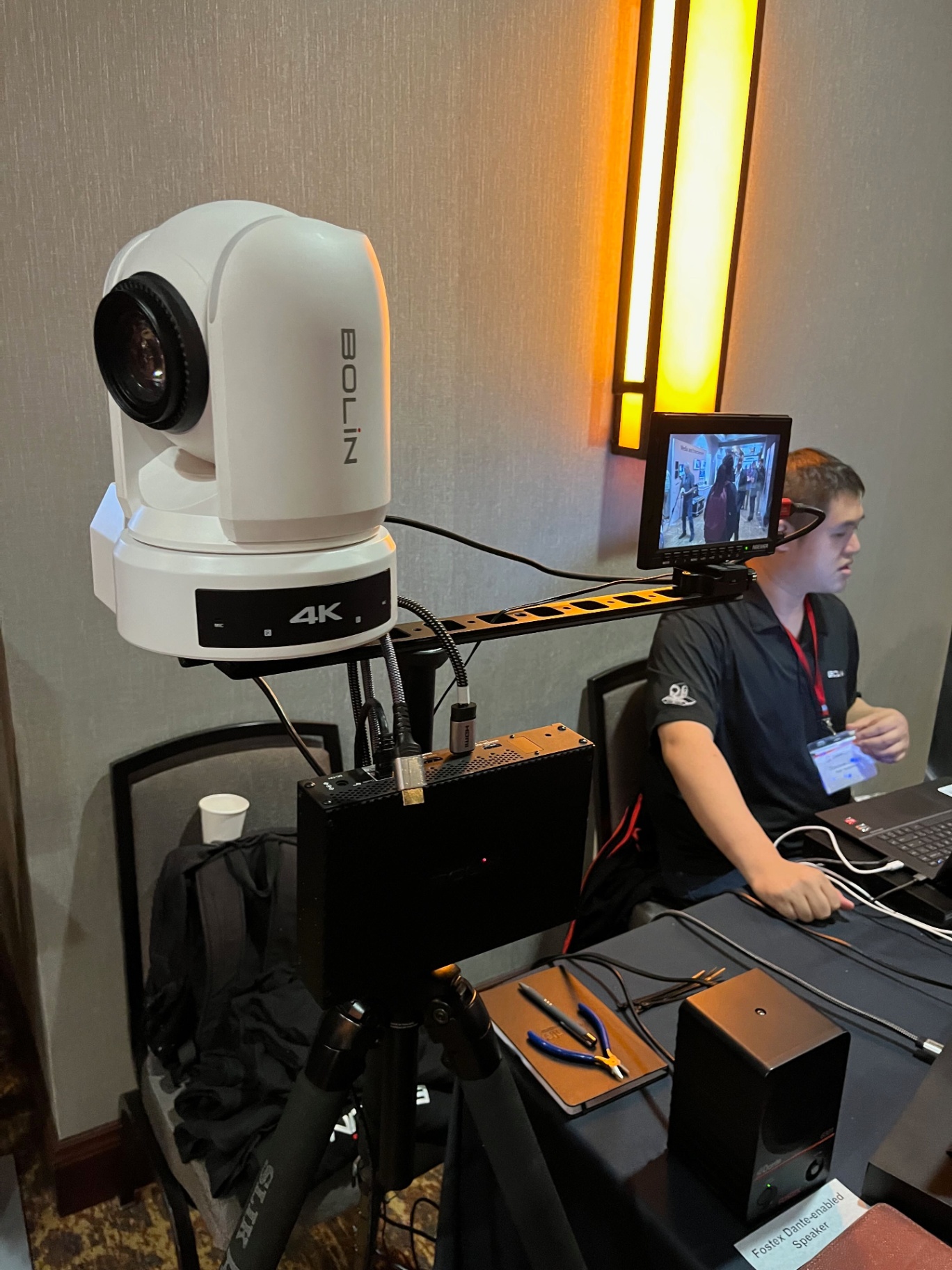
Your Sunday morning production shouldn't feel like a high-stress tightrope walk. You want a broadcast that looks professional, but you're working with volunteers who have day jobs. AI auto-tracking cameras change everything — here's how to integrate them.
Your Sunday morning production shouldn't feel like a high-stress tightrope walk. You want a broadcast that looks professional and engaging, but you're working with volunteers who have day jobs, families, and varying levels of technical experience.
AI auto-tracking cameras are changing the game for volunteer-run productions. Here's how to integrate them effectively.
What Are AI Auto-Tracking Cameras?
AI auto-tracking cameras (also called PTZ cameras with auto-tracking) use computer vision to automatically follow a subject — a pastor, worship leader, or speaker — without a human operator controlling the pan, tilt, and zoom in real time. The camera detects the subject and keeps them in frame automatically.
Leading options include cameras from Sony, PTZOptics, Lumens, and Obsbot, with varying levels of tracking sophistication and integration capability.
The Case for Auto-Tracking in Volunteer Productions
Traditional PTZ camera operation requires a dedicated operator at a joystick controller, watching a preview monitor and making constant adjustments. For a volunteer team, this means:
- One more station that needs a trained, reliable volunteer
- Operator fatigue during long services
- Inconsistent framing when volunteers miss shots
- High stress when the pastor moves unexpectedly
Auto-tracking eliminates most of this. Once configured, the camera handles the basic tracking work automatically, freeing your volunteer to focus on switching, graphics, or other production tasks.
Integration Best Practices
1. Start with One Camera
Don't replace your entire camera system at once. Start with one auto-tracking camera on your primary subject position — typically the center stage or pulpit camera. Learn how it behaves in your specific environment before expanding.
2. Define Tracking Zones
Most auto-tracking systems allow you to define boundaries for the tracking area. Set these up carefully to prevent the camera from following someone who walks off stage or tracking an audience member instead of the speaker.
3. Use Presets for Transitions
Auto-tracking works best when combined with preset positions for specific moments — wide shot for worship, close-up for sermon, two-shot for interviews. Program these presets and train your team to recall them at the right moments.
4. Plan for Failure
Auto-tracking isn't perfect. Subjects wearing certain colors, fast movement, or crowded stages can confuse the tracking algorithm. Always have a manual override plan and make sure at least one volunteer knows how to take manual control if needed.
5. Integrate with Your Video Switcher
The real power of auto-tracking comes when your cameras are integrated with your video switcher and a multiview monitor. Your operator can see all camera feeds simultaneously and make confident switching decisions without worrying about whether each shot is framed correctly.
The Bottom Line
AI auto-tracking cameras won't replace skilled camera operators for high-end productions, but for volunteer-run church environments, they're one of the most impactful technology investments you can make. They reduce stress, improve consistency, and free your team to focus on what matters most.
Shepherd Multimedia specializes in camera system design and integration for churches of all sizes. Let's design a system that works for your team.